Ledger® Live: Desktop® — Getting Started | official Ledger™
Access Ledger Live Desktop to check account balances, review transaction records, monitor asset performance, and manage compatible wallet features.
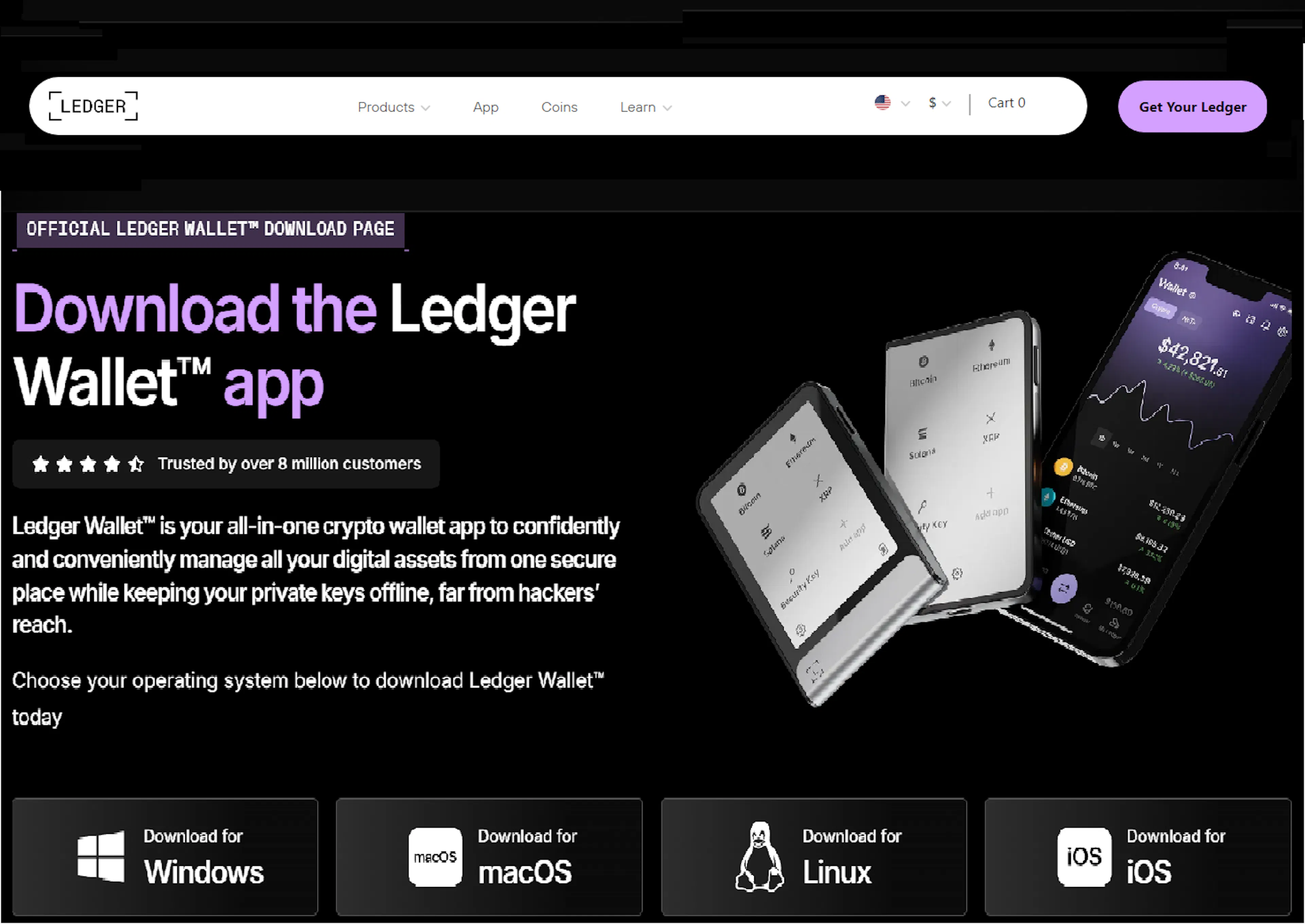
Ledger Live Desktop: A Complete Guide to Managing Your Cryptocurrency
Introduction to Ledger Live Desktop
Ledger Live Desktop is the former name commonly used for Ledger's desktop cryptocurrency management application, now called Ledger Wallet. It provides a convenient interface for users with compatible Ledger hardware wallets to manage supported digital assets, review account activity, and monitor their cryptocurrency portfolios.
The desktop application brings important wallet management tools together in one place. Users can connect a compatible hardware device, review supported accounts, check balances, and access available transaction features.
Whether you are new to hardware wallets or already manage multiple cryptocurrency accounts, understanding the desktop application can make everyday wallet management more organized.
What Can You Do With Ledger Live Desktop?
Ledger Wallet offers several features designed to help users manage supported cryptocurrencies through a compatible Ledger device.
Portfolio Management: Review supported digital asset balances and monitor changes in your portfolio.
Account Management: Add and organize compatible cryptocurrency accounts within the application.
Transaction History: Review previous transfers and check available transaction information.
Receiving Cryptocurrency: Access receiving details for supported blockchain networks.
Sending Digital Assets: Prepare cryptocurrency transactions and verify the details using your physical Ledger device before approving them.
Feature availability varies according to the hardware model, application version, and supported networks.
How to Download Ledger Live Desktop
To access the desktop application, use Ledger's official website rather than third-party download platforms.
Follow these steps:
- Open your preferred internet browser.
- Visit https://www.ledger.com/ledger-live.
- Locate the official Ledger Wallet download section.
- Select the version compatible with your operating system.
- Follow the installation instructions provided by Ledger.
- Open the application after installation and follow the setup guidance.
Always verify the website address before downloading software. Avoid modified installers and unfamiliar download links.
Connecting Your Ledger Hardware Wallet
After installing Ledger Wallet, connect your compatible Ledger device using the supported connection method.
Follow the instructions displayed by the application and your hardware wallet. Depending on your device and the features you want to use, you may need to complete device verification or install the relevant blockchain application.
Keep your device PIN confidential and approve only actions you understand.
Managing Cryptocurrency Accounts
Once your device is connected, you can explore the account management features available in Ledger Wallet.
Users may be able to add supported accounts, review balances, monitor transaction records, and organize their digital assets. The dashboard provides a convenient overview of supported account information.
Before receiving cryptocurrency, verify that the receiving network and address match the asset being transferred. Before sending cryptocurrency, carefully check the recipient address, network, and amount.
Ledger Live Desktop Security Best Practices
Protecting your cryptocurrency requires careful security habits. Consider these important recommendations:
- Download Ledger Wallet only from the official Ledger website.
- Keep your hardware wallet PIN private.
- Store your recovery phrase securely offline.
- Never share your recovery phrase with support representatives or other individuals.
- Never enter recovery words into websites, desktop applications, or online forms.
- Verify transaction details directly on your physical Ledger device.
- Follow official guidance when updating device firmware or software.
Your recovery phrase provides access to your wallet. Anyone who obtains it may be able to control your associated assets.
Frequently Asked Questions
Is Ledger Live Desktop still the current application name?
Ledger Live was renamed Ledger Wallet. The former name is still used in older guides and online references.
Where can I download the desktop application?
Use Ledger's official download page: https://www.ledger.com/ledger-live.
Can I manage multiple cryptocurrency accounts?
The application supports account management for compatible devices and supported blockchain networks.
Do I need a Ledger hardware wallet?
Ledger Wallet is designed to work with compatible Ledger hardware wallets for device-based wallet management and transaction approval. Follow the official product documentation for current requirements.
Conclusion
Ledger Live Desktop, now known as Ledger Wallet, provides a useful desktop interface for managing supported cryptocurrency accounts with compatible Ledger hardware wallets. Its account management, portfolio overview, and transaction tools help users organize their digital assets.
For official downloads, product information, and the latest instructions, visit https://www.ledger.com/ledger-live.
Disclaimer: This is an independent educational guide and is not an official Ledger publication or endorsement.